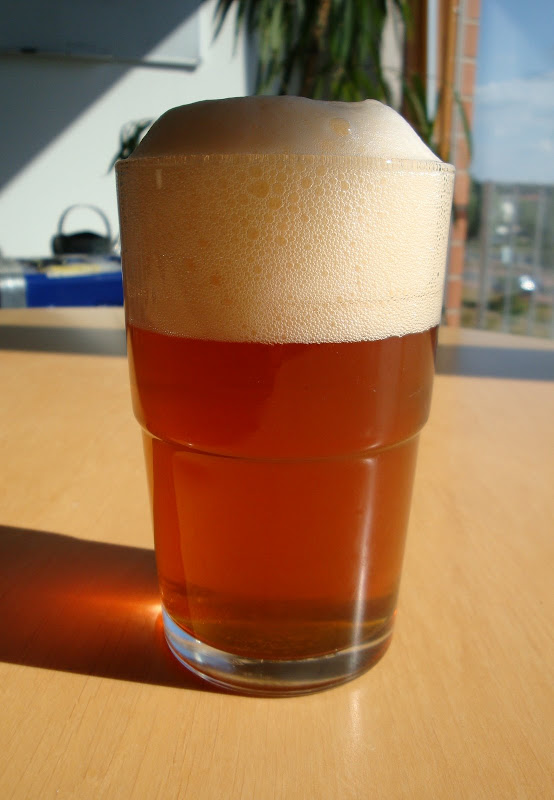
When posting hosted images, please consider the fact that many users access via mobile or slow connections, and large images will either be slow, will cost that user more cash, or will simply just take over the screen and be annoying.
[b:3blemv4n][u:3blemv4n]Some tips:[/u:3blemv4n][/b:3blemv4n]
If you use [b:3blemv4n]imagehost.org[/b:3blemv4n], when you upload an image you will be given a set of link codes you can use. Please use the Forum Thumbnail Link, as this will give you the right forum code to display a little thumbnail which users can click on if they wish to see an image. Like this:
[img:3blemv4n]http://a.imagehost.org/t/0649/CIMG4396.jpg[/img:3blemv4n][/url:3blemv4n]
If you use [b:3blemv4n]Photobucket[/b:3blemv4n], the same effect can be achieved. Hovering over an image in your album, you will see a set of link code options. By default these are:
[i:3blemv4n]Email & IM
Direct Link
HTML Code
IMG Code[/i:3blemv4n]
Under this you will see a link to Link Options. Click on this and you will be able to set the choices available to you in your albums for ever more. Check the box beside [i:3blemv4n]Clickable thumbnail[/i:3blemv4n] under the [i:3blemv4n]IMG for bulletin boards & forums[/i:3blemv4n] heading. You will now have the code available to post a clickable thumbnail into your post, like this:
[img:3blemv4n]http://i479.photobucket.com/albums/rr156/barrymasterson/th_BittenBulletBarleywine.jpg[/img:3blemv4n][/url:3blemv4n]
[b:3blemv4n]If you use Imgur[/url:3blemv4n][/b:3blemv4n]
Simply upload the image
Once uploaded, click on the "Small Square" link beside the small image on the left.
The code boxes will change
Copy and paste the code provided in the "Linked Small Square for Message Boards" textbox.
[img:3blemv4n]http://imgur.com/L0fjDs.png[/img:3blemv4n][/url:3blemv4n]
[u:3blemv4n][b:3blemv4n]
Picasa Web Albums[/b:3blemv4n][/u:3blemv4n]
Picasa Web Albums do not provide the same kind of tools, but it is possible to create the same effect.
When viewing an image in your web album, on the right you'll see a link to "link to this photo". Click on that and you will be presented with some options. Check the box beside "Image only (no link)". In the small dropdown, make sure it says "Thumbnail". Copy the URL in the "Embed Image" textbox and paste into your post on ICB. Highlight this and hit the Img button in the message editor. This will make it an image to display in the forum. Now go back to Picasa and in the Select size dropdown choose a larger size, like 400 or 800 pixels. Copy the new text in the "Embed Image" textbox. Now in your message post, highlight the text and IMG tags you already created and then hit the URL button above. This will wrap the IMG tags in a URL tag. In the first one, type = and then paste the second Embed Image link text copied from your Picasa Web Album.
[img:3blemv4n]http://lh5.ggpht.com/_TxBQbuSOnVQ/SkkLGv4R6ZI/AAAAAAAADDk/bW17ZFIhWj8/s144/Klosteiner.JPG[/img:3blemv4n][/url:3blemv4n]
The exact code for this is shown in a post below.
Thanks,
Barry


 " title="Smile" /><!-- s:) -->